

On this page you will find everything you need to know about
setting up your location for success.

MARKETING COLLATERAL.
01. Access the marketing and collateral pack via the Yard Portal to set your location up for success with YARD 42.
02. Lock in your marketing and social media messaging plan.
03. Attend all virtual onboarding calls.
04. Educate and align your trainers on Y42 delivery.
05. Activate all guerrilla marketing assets on-site and locally.
06. Assign a Challenge Rep to lead your location campaign, allocate responsibilities, and drive internal hype.
TYG Note: If you don’t understand your marketing collateral, you’re not running a campaign, you’re just distributing assets. Real performance comes from intentional, informed execution. The plan is set, let’s go!
MINDBODY SET-UP.
01. Y42 pass becomes visible in MindBody business mode - $84 globally.
02. On the day of launch, HQ will make the Y42 pass visible in consumer mode. Ensure your Challenge page and offer are live before posting on social media.
DIGITAL SETUP TASKS.
01. Schedule scan appointments in Mindbody.
02. Updating Custom Values & trigger links.
03. Double-check that all scan dates and YARD 42 dates are correctly loaded into the CRM.
04. Choose a Yard 42 community group platform (Facebook, WhatsApp, etc.) and enter the link into CRM Custom Values for your welcome email.
KEY CRM CUSTOM SET UP.
01. Yard 42 Start & End Date
02. Information Session Date & Time
03. Price ($84)
04. Community Group Chat Link
05. Appointment Scan Booking Link
06. Scan IN Date & Times
07. Scan OUT Date & Times
Knowing your digital setup is essential when launching a campaign, because without it, you’re not executing a strategy, you’re just pushing content live and creating hype. Long lasting performance comes from understanding how every digital piece connects, tracks, and converts. The system must be aligned before the campaign goes live. The setup matters.
TYG NOTE:
HQ PROVIDED ASSETS.
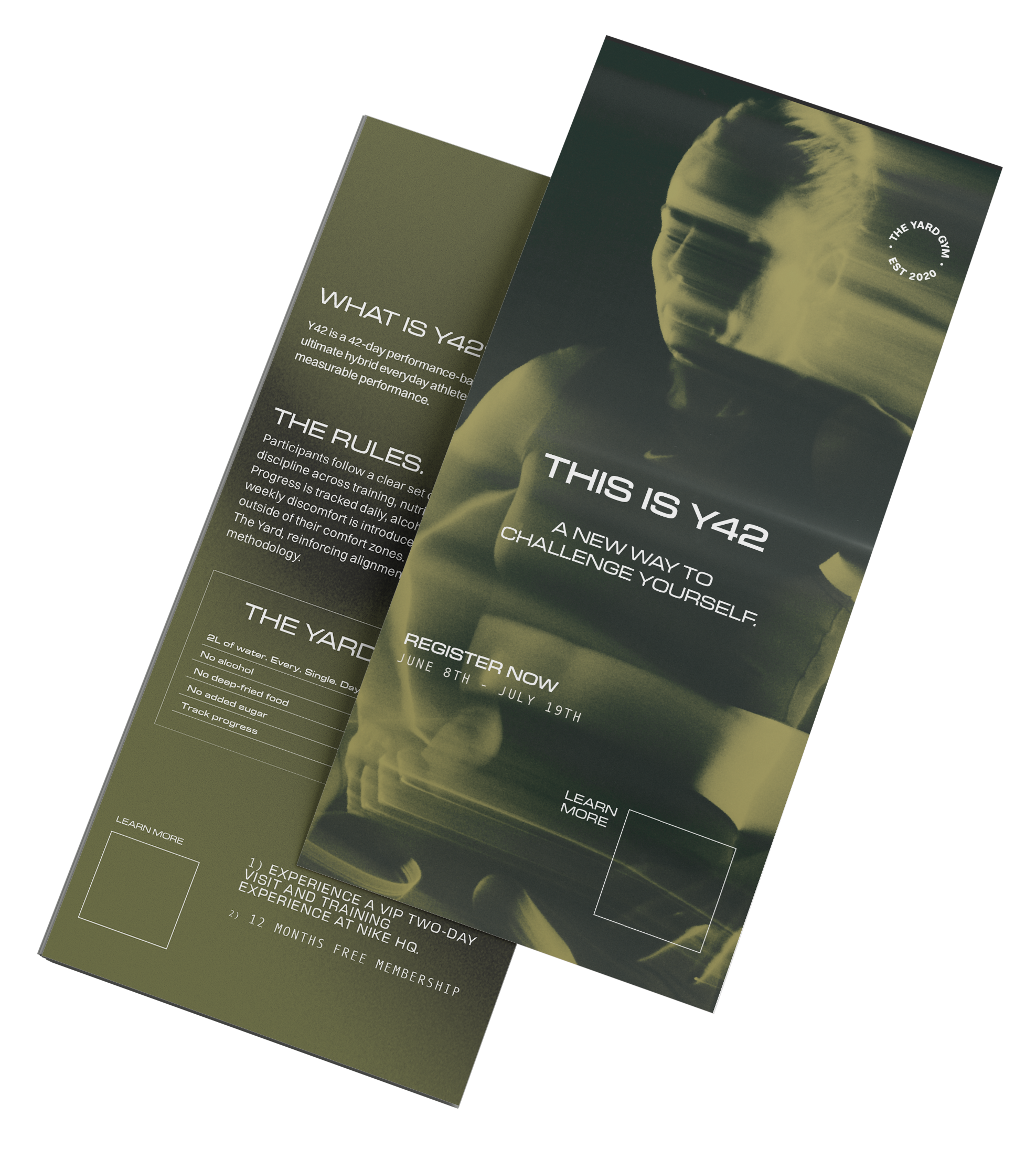
YARD 42 FLYER PROCESS
Print and distribute flyers after the digital campaign goes live.
Branded QR Code Assets
Create and include the following branded
QR codes:Challenge Community Group – 1 QR code
Challenge Registration – 1 QR code
CHALLENGE REGISTRATION LINKS
Primary landing page across the network.
Unique URL per site
EXAMPLE: https://theyardgym.com/events/challenge?gym=double-bay
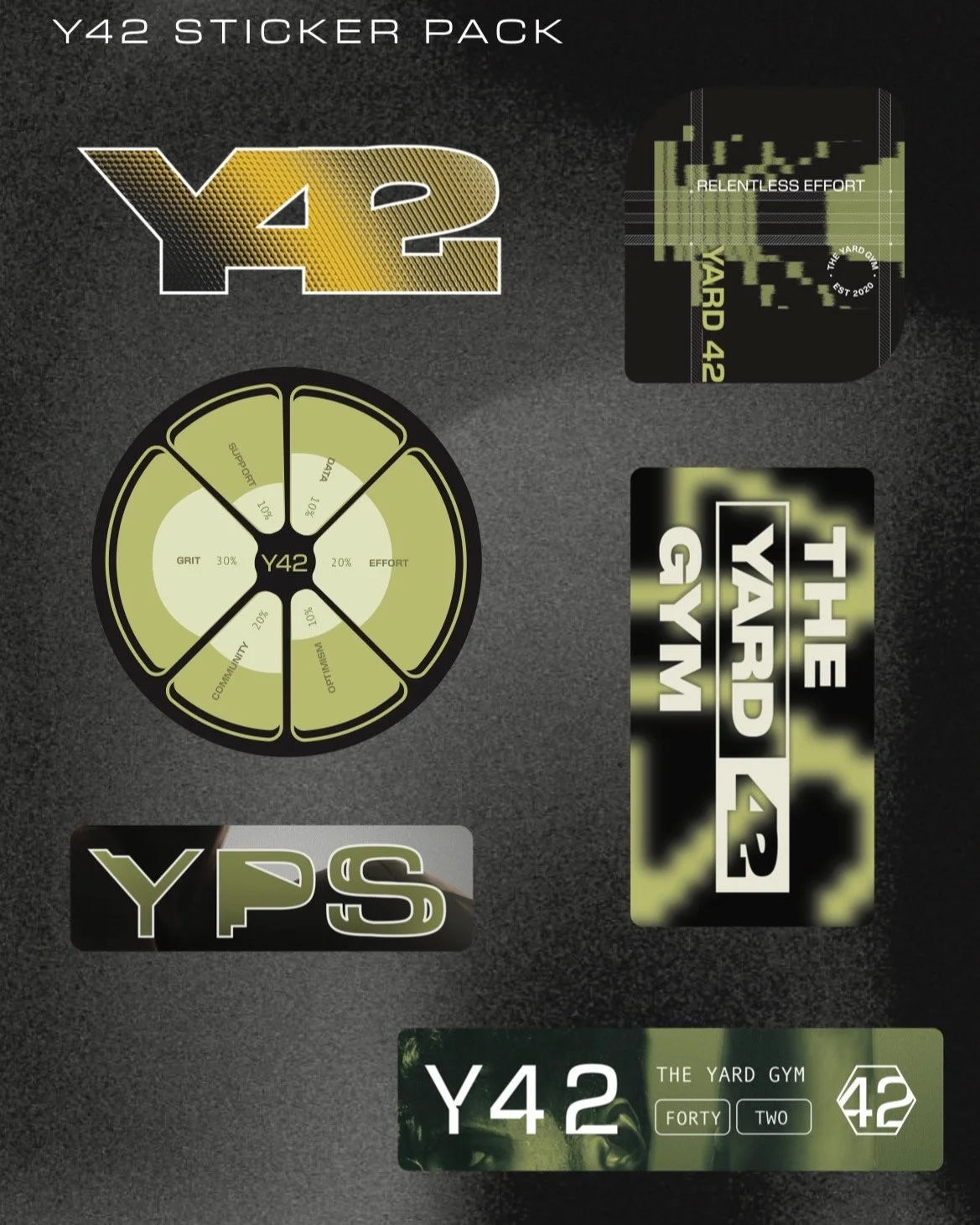
Y42 STICKER PACK
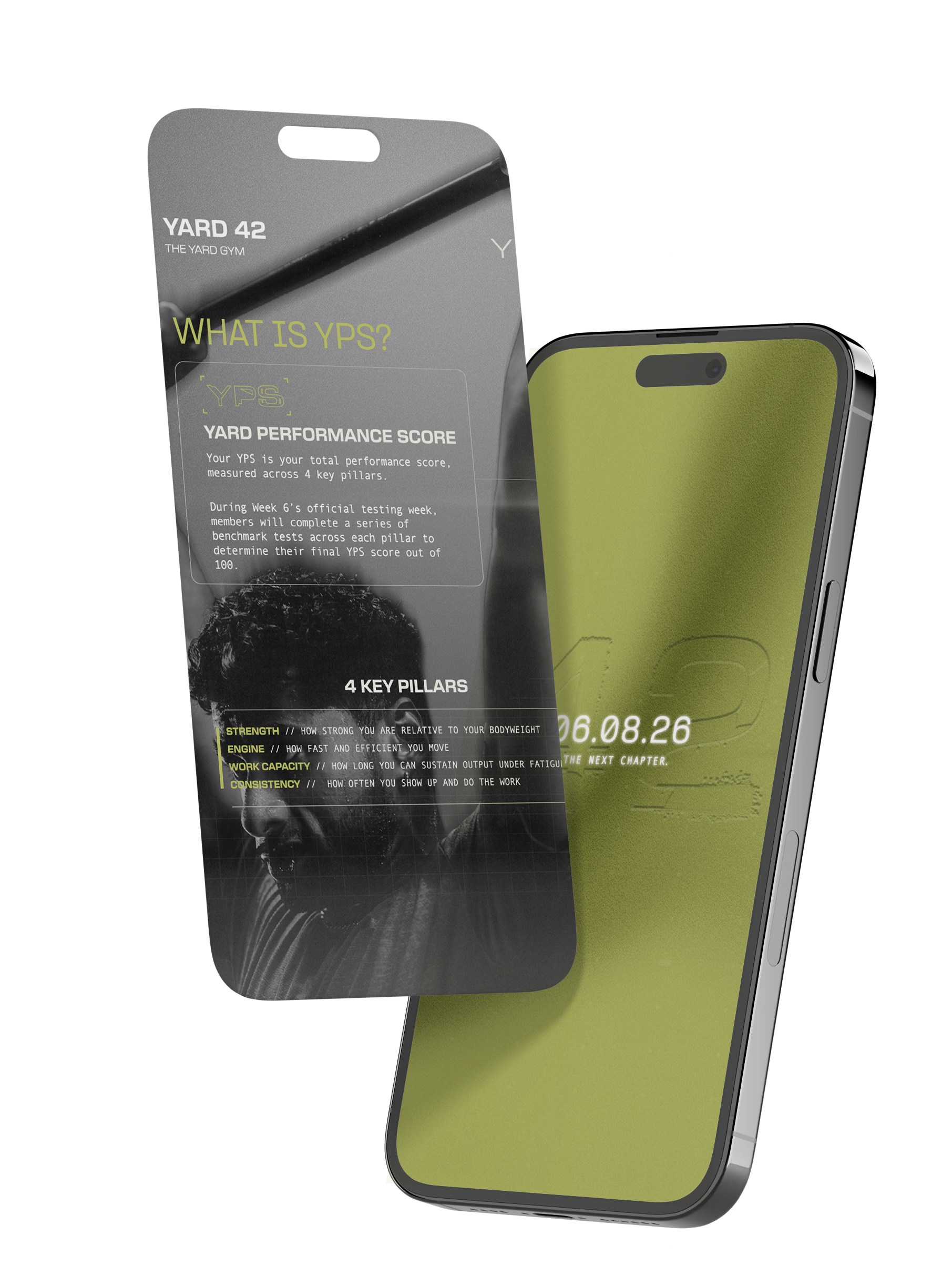
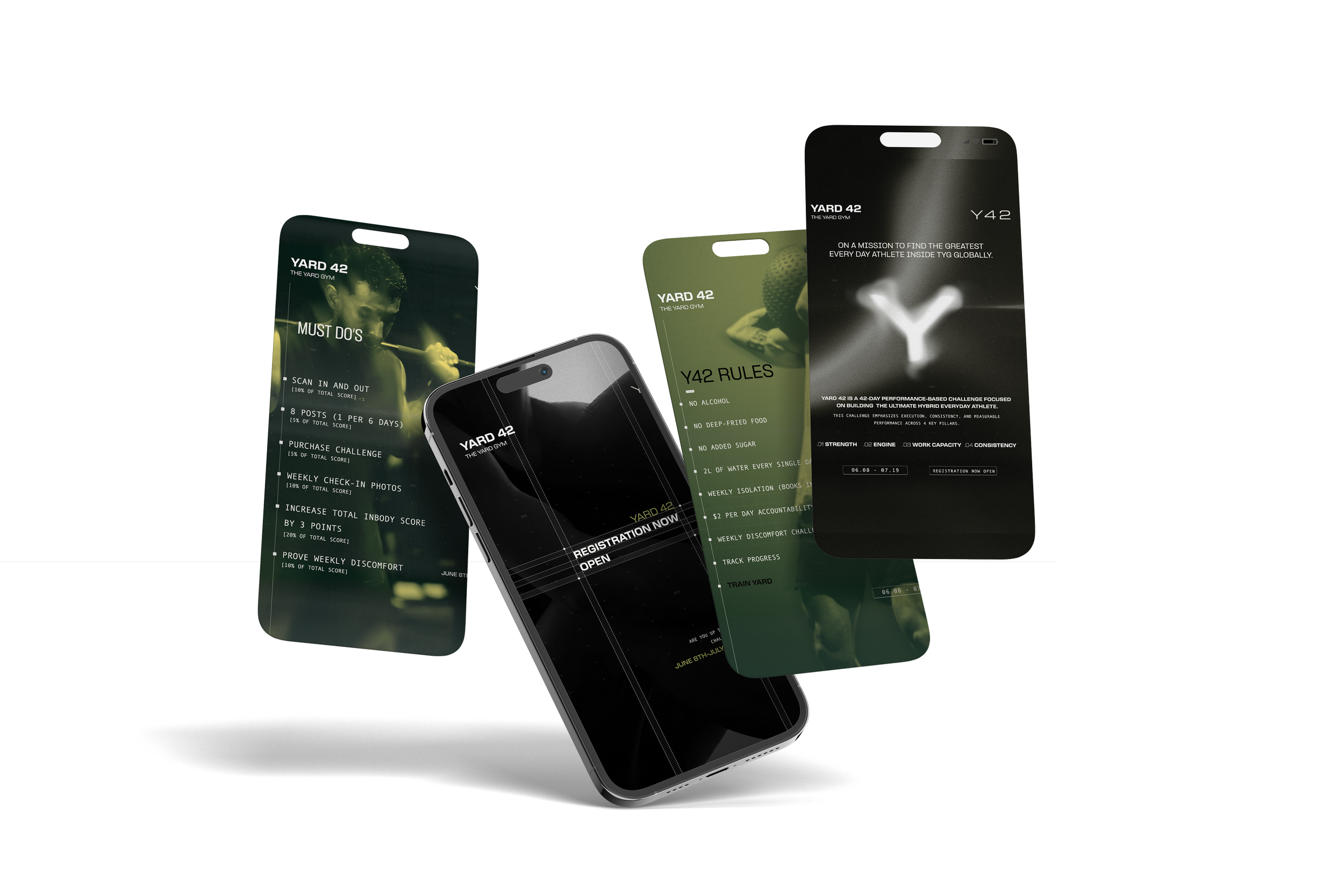
SOCIAL MEDIA
HQ launches advertising and provides creative
assets via the Portal.
ASSETS PROVIDED:
Accountability slides for member engagement
Information slides for stories & Grid posts
Facebook cover photo branded to YARD 42
THE BALLOT BOX &
COMMITMENT CARD
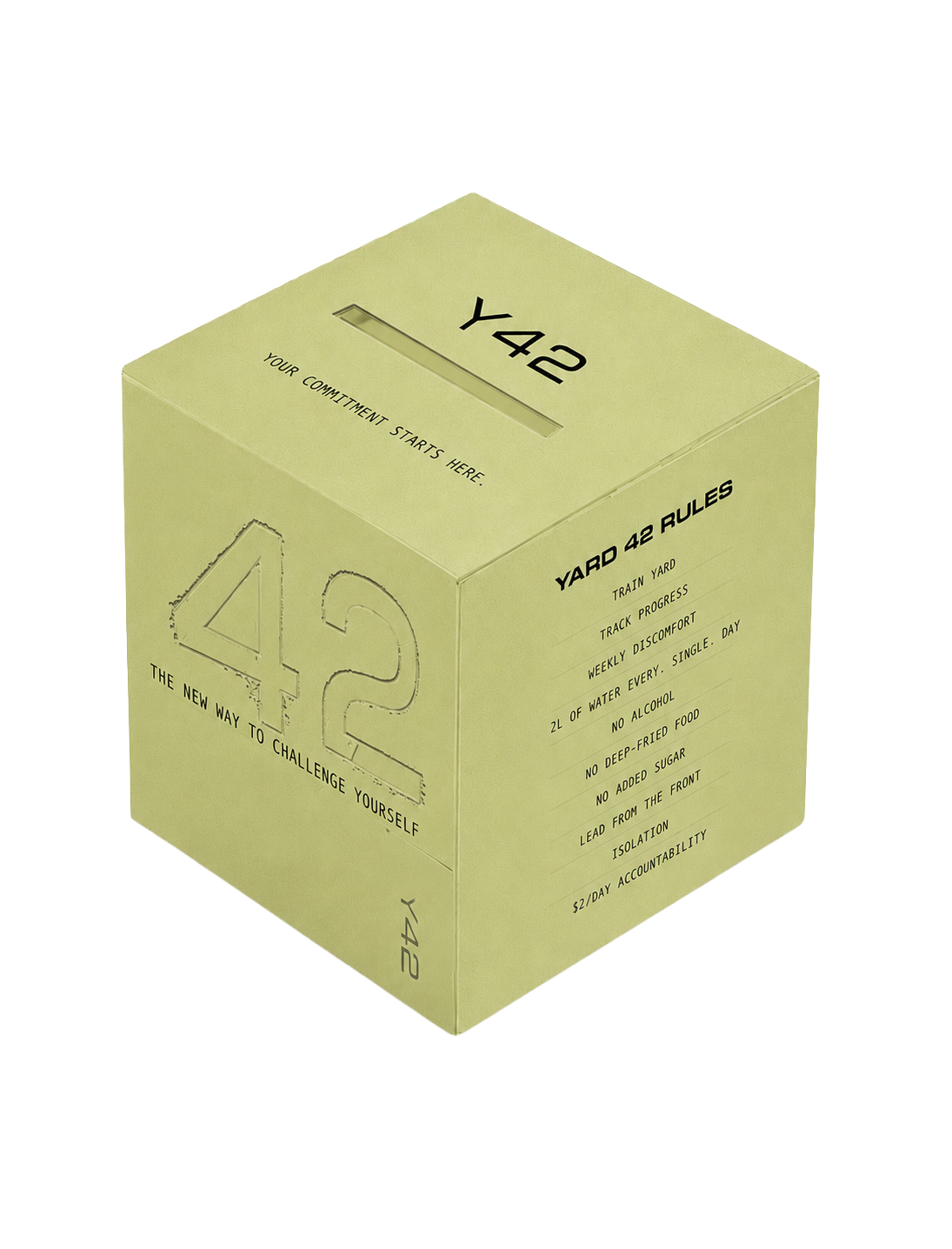
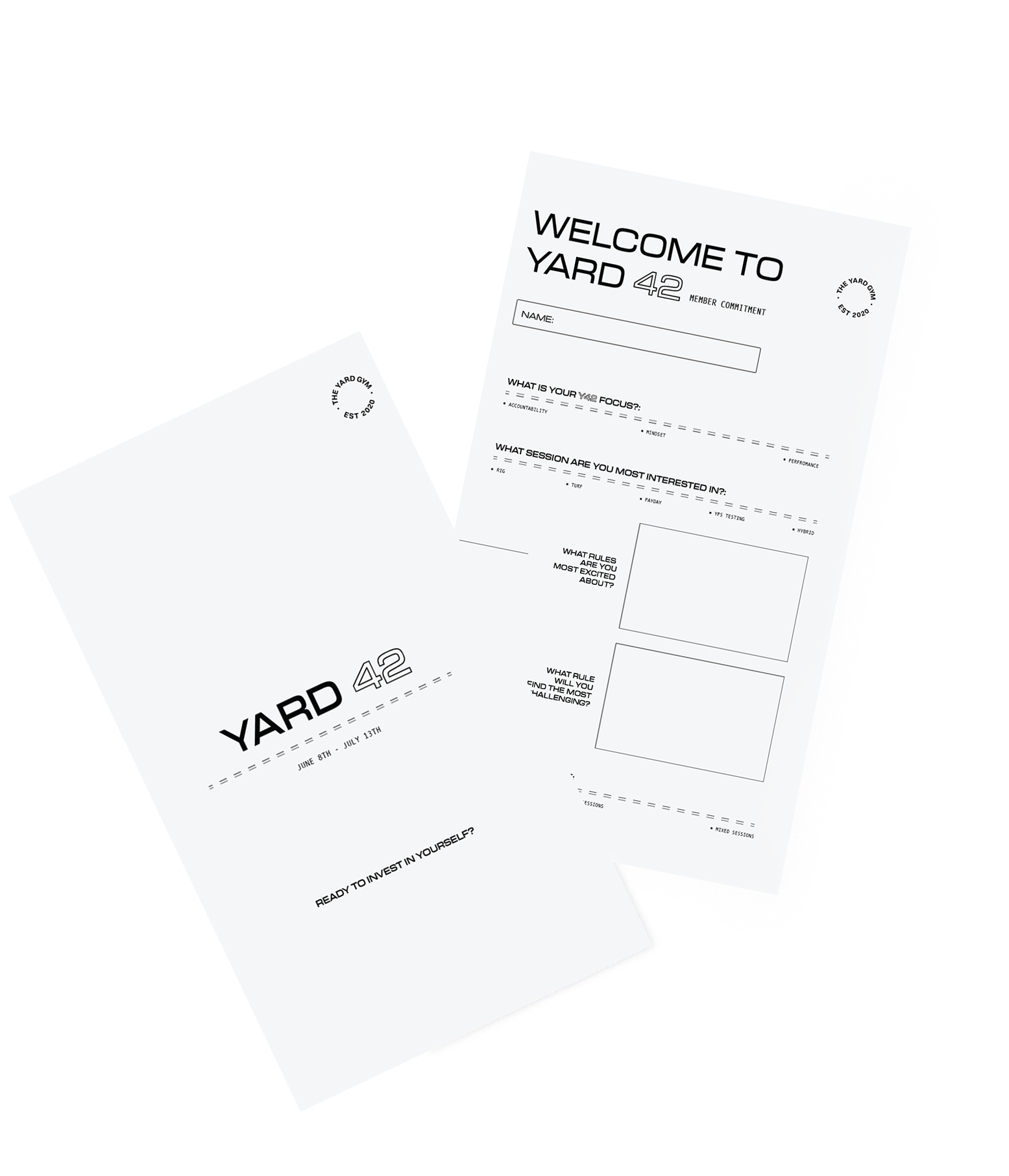
The ballot box is the official commitment to YARD 42. Each member completes a commitment card outlining their goals and what they want to achieve throughout the challenge, then places it into the ballot box on Scan Day.
This step is a powerful tool for both members and coaches it provides invaluable insight into each client’s motivations, focus areas, and intentions, allowing your team to personalise support and training throughout the 42 days.
As a coaching team, we encourage you to review these submissions together and align around each member’s goals.
Scan Day Flow:
Step 1 – Scan In
Step 2 – Complete the commitment card
Step 3 – Place it in the ballot box
WHO IS YOUR
CHALLENGE REP?
A Y42 challenge without a representative isn't a full Y42 experience. It’s just announced. They are the single point of contact for your training team and clients, they drive engagement, answer questions, reinforce standards, and keep participants moving forward.
You must deliver body scans for all Challenge members completing Yard 42.
Ensure you have a body scan machine purchased or hired.
Set up scan stations and brief coaches on follow-up conversations.
Challenge rep must review Body Scan education videos.
Lead all operational set-up and client accountability for the entire campaign.
TYG NOTE
Scan appointments should have been scheduled during Digital Setup Week. Complete this step before advertising goes live if not already done.

CRM
COMMUNICATIONS.
These communications will be automated through your Elevate CRM system, ensuring consistent and timely delivery to all clients.
-
Receive an SMS confirming someone from the team will be in contact. FOH must follow up, to sign them up as members and for Y42.
-
Receive a Welcome Email & SMS with links to book scans and access the Challenge community group.
-
Receive an SMS prompting them to complete their Challenge purchase via the app or FOH before receiving further info.
-
24 hours after purchase, the client will receive an email with all information regarding Yard 42 including all Social Media assets.
-
Receive a reminder email one week before the Challenge starts and another motivational midway through the Challenge.
TRACKING & PROMOTIONS.
-
Use the Welcome Call Attempt boxes on your Opportunity Cards to track calls and send SMS messages.
SMS messages are customised for the Challenge.
-
Promotional Broadcasts must be sent from Franchisees to their database contacts. See video instructions for guidance on the portal. Email and SMS versions available.

LET’S REFLECT.
YOU MUST CREATE AN ATMOSPHERE AROUND YARD 42.
PRE YARD 42 HYPE + SIGN-UP
Follow Social Media plan
Apply the Yard Rules stickers on the mirror
Talk about Yard 42 during warm up, before
and after classesEducate Trainers and brand your location
Information Night (All things Y42, goal setting,
rules breakdown)Capture before photos
Optional cold plunge or initiation discomfort challenge